

Description
Download Hide IP Easy – Secure Free IP Hider for Windows
Intro & Overview
Hide IP Easy is a lightweight, trial‑version browser tool designed specifically for Windows users who need a quick, secure way to mask their online identity. First added to our catalog in 2012, the software has amassed more than 35,000 downloads, with a steady flow of new installations each week. The current release, version 5.1.1.2, was updated on 10 December 2013 and runs on Windows 2000 and earlier editions. Although the interface is offered only in English, its core functionality—changing your visible IP address—does not depend on language. The program’s modest storage footprint makes it an attractive option for computers with limited disk space, and its popularity spikes in regions such as Saudi Arabia, Georgia, and Ghana, where users frequently need to bypass regional restrictions or protect their privacy on public networks. Whether you are a casual surfer, a frequent traveler, or a small business owner looking to secure internal browsing, Hide IP Easy promises a simple, free solution that can be downloaded instantly and activated without a steep learning curve.
Key Features & Compatibility
- Instant IP masking – change your public IP address with a single click.
- Supports multiple proxy types, including HTTP, HTTPS, and SOCKS5.
- Lightweight installer – occupies less than 5 MB of disk space.
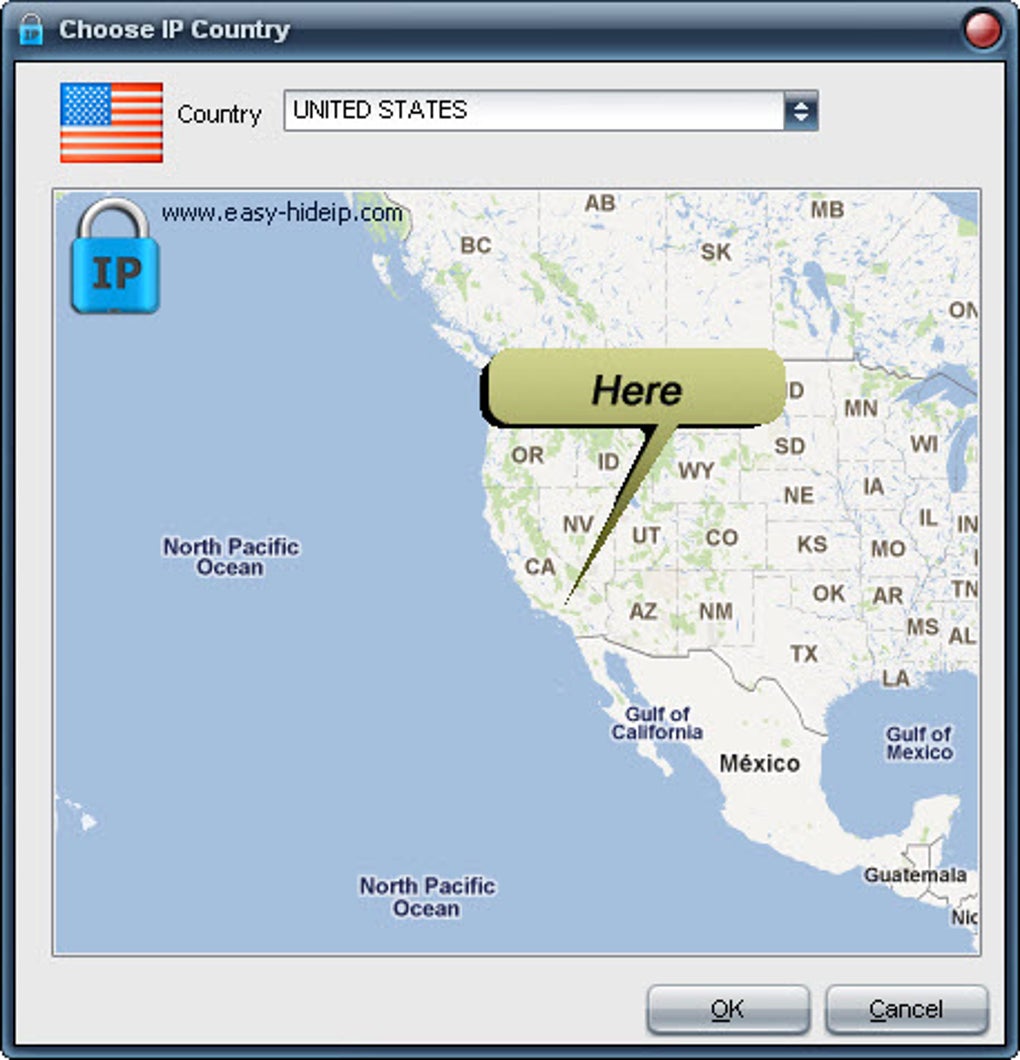
- Automatic server selection based on geographic location.
- Built‑in speed test to verify proxy performance before activation.
- Secure SSL tunneling to protect data while browsing.
- Trial version with no hidden fees; upgrade path to a full version available.
- Simple, English‑only UI that works on any Windows version from 2000 onward.
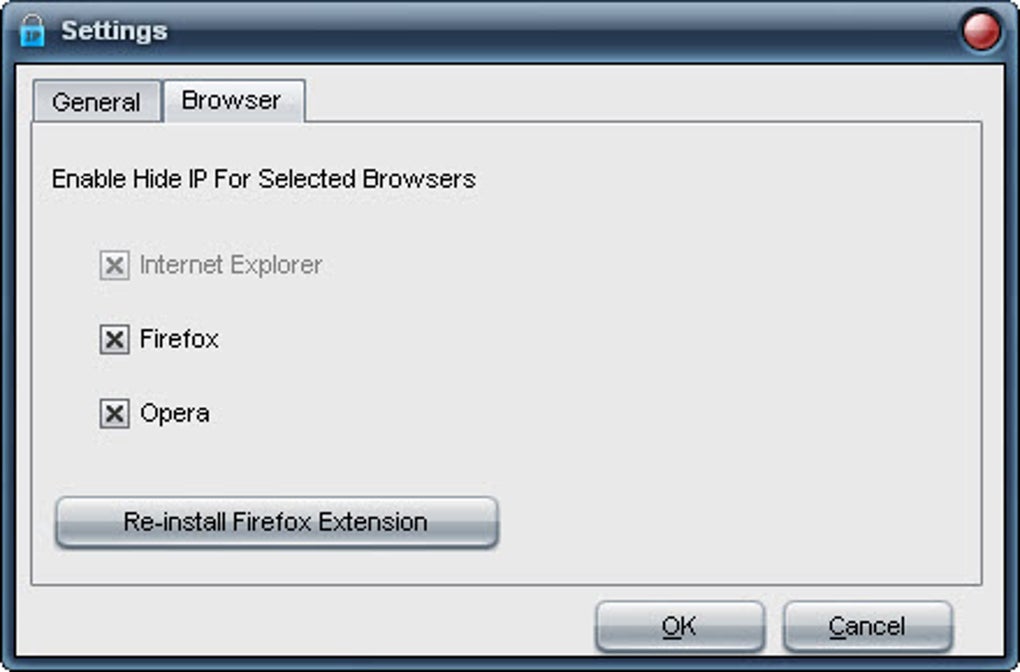
Hide IP Easy is engineered for maximum compatibility across legacy Windows environments. The Windows 2000, Windows XP, Windows Vista, Windows 7, and later versions are all supported, making it a viable choice for older office PCs that cannot run modern 64‑bit software. Because the application does not rely on heavyweight libraries or drivers, it can be installed on machines with minimal RAM (as low as 256 MB) and still deliver a smooth browsing experience. The tool works seamlessly with all major browsers—Internet Explorer, Firefox, Chrome, and Opera—by routing traffic through the selected proxy at the system level. This ensures that every tab, extension, and background process benefits from the same IP concealment without additional configuration.
Installation, Usage & Review (Pros & Cons)
Step‑by‑Step Installation
Downloading Hide IP Easy is straightforward. Visit the official download page, click the Download button, and save the 4.8 MB installer to your computer. Run the executable, and the wizard will guide you through the following steps:
- Accept the End‑User License Agreement (EULA).
- Choose an installation folder (default is
C:\Program Files\HideIPEasy). - Optionally create a desktop shortcut for quick access.
- Click Install and wait for the progress bar to complete.
- Launch the application from the shortcut or Start menu.
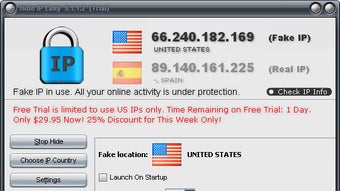
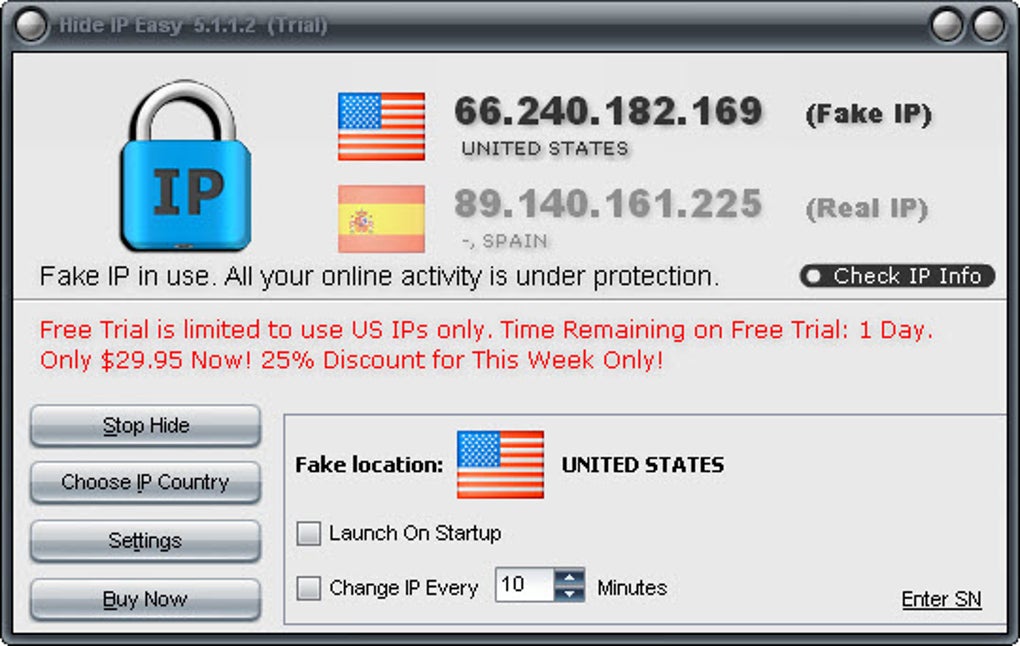
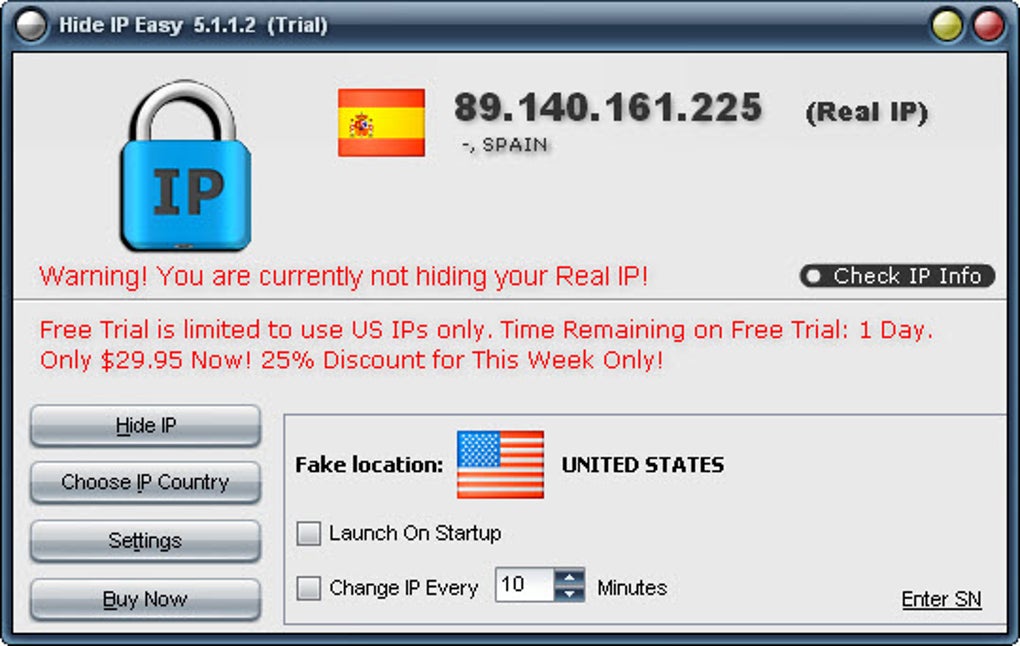
After the first launch, the program checks for the latest proxy list and presents a concise dashboard. To start masking your IP, simply select a server from the dropdown menu and press Connect. A green indicator confirms a successful connection, and the built‑in speed test displays latency and download speed, allowing you to switch servers if needed.
User Experience Review
Pros:
- Very small installer; ideal for low‑spec PCs.
- One‑click IP change makes it accessible to non‑technical users.
- Supports a wide range of proxy protocols.
- Works on legacy Windows versions that many modern VPNs drop.
- Free trial with no hidden costs.
Cons:
- Only English interface; no localization for other languages.
- Limited server locations in the trial version.
- No built‑in ad‑blocking or malware protection.
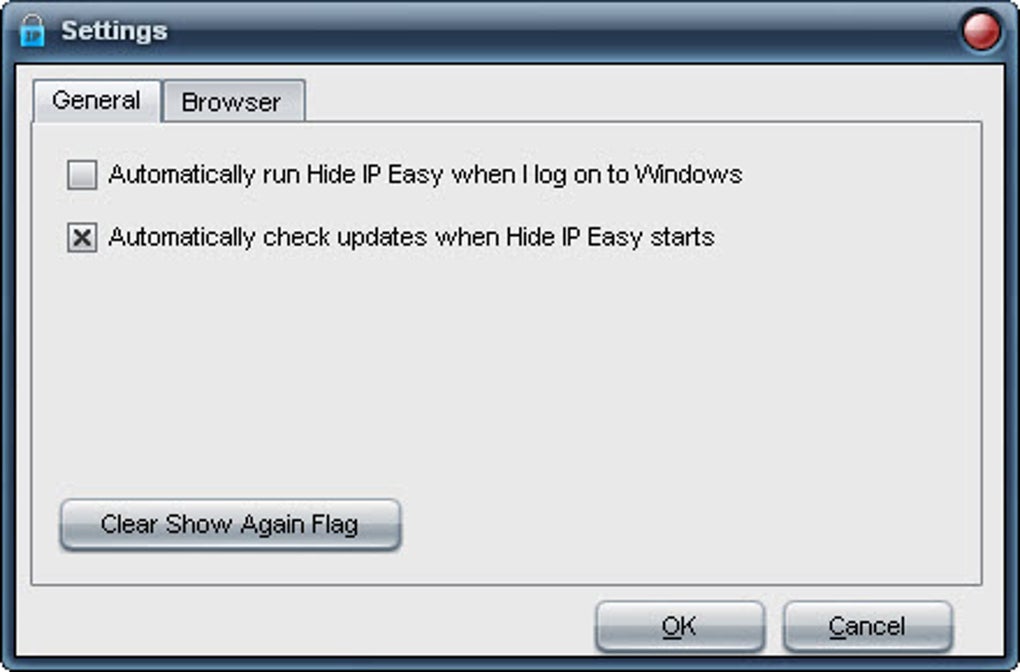
- No automatic startup option; must be launched manually each session.
- Last update was in 2013, so newer security protocols may be missing.
Overall, Hide IP Easy delivers on its promise of a quick, free IP‑masking solution for Windows users. The simplicity of the UI and the tiny footprint make it especially attractive for older hardware or for users who only need occasional anonymity. However, power users looking for advanced security features or a constantly updated server list may want to consider a modern VPN service after the trial period expires.
Frequently Asked Questions
Is Hide IP Easy completely free?
The downloaded version is a trial that offers full functionality for a limited time. There are no hidden fees, but after the trial expires you’ll need to purchase the full license to continue using the software.
Can I use Hide IP Easy on Windows 10?
Yes. Although the official documentation lists support up to Windows 2000, the program runs without issues on Windows 10, Windows 8, and Windows 7 because it uses standard network APIs that are backward compatible.
Does Hide IP Easy encrypt my traffic?
The tool provides SSL tunneling when you select an HTTPS proxy, which encrypts data between your computer and the proxy server. However, it does not offer full‑disk or system‑wide VPN encryption.
How often are proxy servers updated?
In the trial version, the proxy list is refreshed each time you launch the application. The full version receives automatic daily updates from the provider’s server pool.
Is there any risk of malware when downloading Hide IP Easy?
When downloaded from the official website, Hide IP Easy is free of malware. Always verify the source and scan the installer with an up‑to‑date antivirus program before installation.
Conclusion & Call to Action
Hide IP Easy stands out as a practical, lightweight solution for Windows users who need to hide their IP address without investing in a full‑featured VPN. Its minimal installation size, straightforward one‑click operation, and support for legacy Windows systems make it a solid choice for occasional anonymity, especially in regions where internet censorship is prevalent. While the trial version lacks some of the polish and advanced security layers of modern paid services, it provides enough functionality to test whether proxy‑based masking meets your needs. If you are looking for a free, quick‑setup tool to bypass geo‑restrictions or protect your privacy on public Wi‑Fi, give Hide IP Easy a download today. Should you require continuous protection, consider upgrading to the full version or exploring a dedicated VPN after the trial expires.
Click here to download Hide IP Easy now and start browsing with a concealed IP address instantly.
Guides & Tutorials for Hide IP Easy
How to install Hide IP Easy
- Click the Preview / Download button above.
- Once redirected, accept the terms and click Install.
- Wait for the Hide IP Easy download to finish on your device.
How to use Hide IP Easy
This software is primarily used for its core features described above. Open the app after installation to explore its capabilities.
User Reviews for Hide IP Easy 0
No reviews found





